Favorites
Star any music track or radio station to add it to your Favorites list.
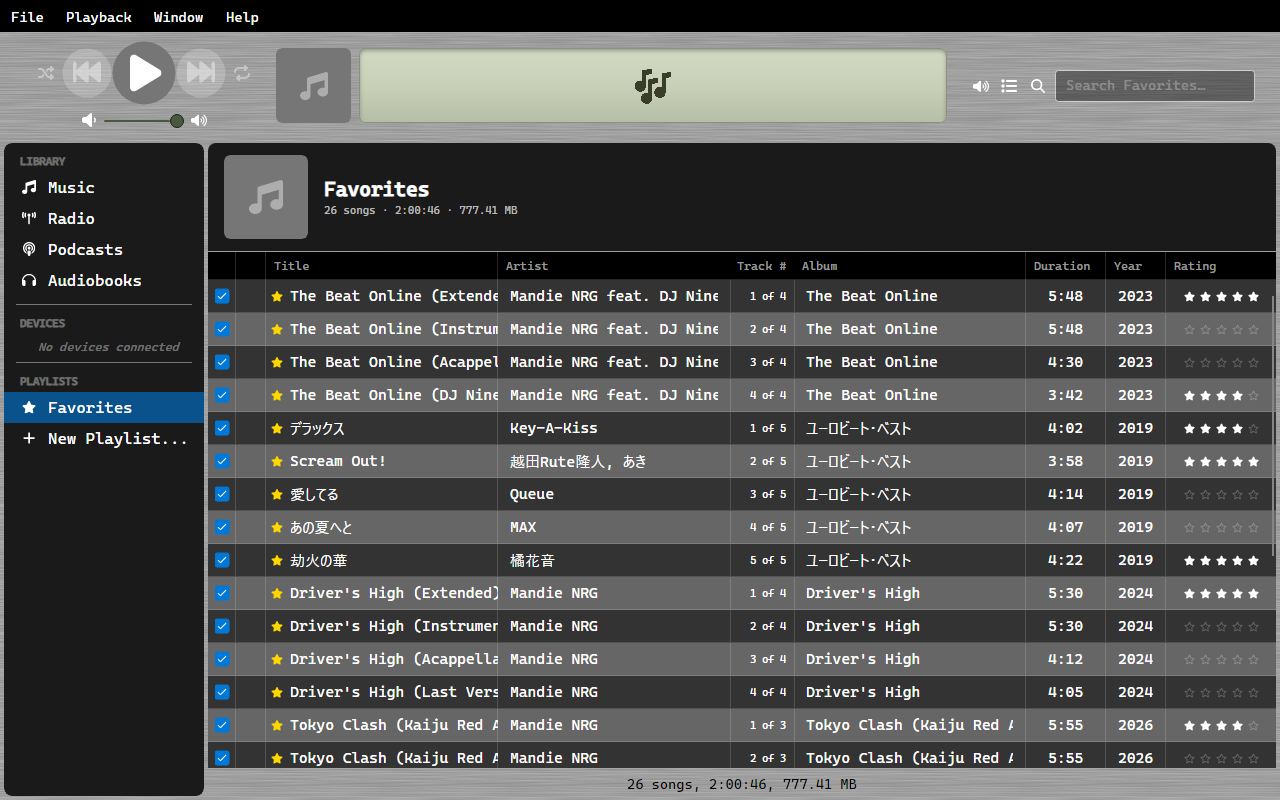
Adding Favorites
- Right-click a track or station and select Toggle Favorite
- Click the star icon next to any title in the list
- Drag a selection onto Favorites in the sidebar to star all of it at once
Dropping a selection only adds - tracks that are already favorited stay that way rather than being toggled off.
Viewing Favorites
Click Favorites in the sidebar under Playlists. This view shows all favorited items across both Music and Radio.
Favorites.m3u8
Your favorites are also written to Favorites.m3u8 in your music folder, so other software
can read the list. OrgZ keeps it current as you star and unstar things.
Unlike a playlist, this one is written but never read back. Favorites is a
flag on each track, not a list, so editing Favorites.m3u8 by hand has no effect - OrgZ
overwrites it. To change what is in it, star and unstar tracks.
Playback from Favorites
When you start playing from the Favorites view, the playback context follows that list - next/previous and auto-advance work within your favorites, even if you navigate to another view.