Playlists
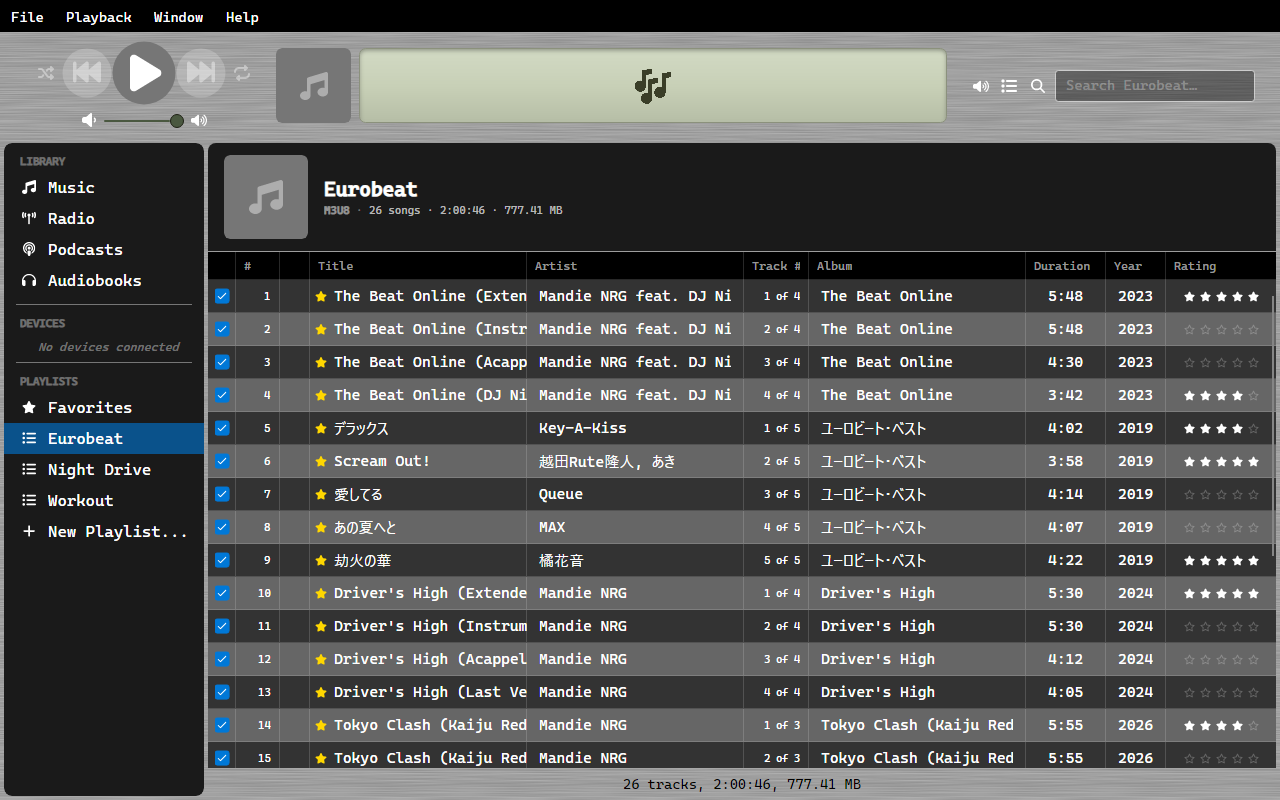
A playlist in OrgZ is a .m3u8 file in your music folder. There is no separate playlist
database to get out of step with it, and nothing is locked inside OrgZ.
Making one
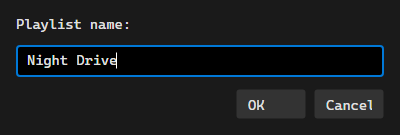
Right-click in the Playlists section of the sidebar and choose New Playlist... - or use
File > New Playlist... - give it a name, and drag tracks onto it. The file appears in
your music folder immediately as <name>.m3u8.
Every change writes straight through - adding tracks, removing them, dragging to reorder, renaming the playlist. Rename it in OrgZ and the old file is replaced by one under the new name.
Folders
Playlists can be grouped into folders, and folders can hold other folders. Right-click in the Playlists section (or a folder) and choose New Folder..., then drag playlists in. Dragging one onto empty space below the tree moves it back to the top level.
Folders are OrgZ's alone - the .m3u8 files all stay flat in your music folder, so no
playlist ever ends up buried fifty directories deep. A playlist remembers where it lives
with an #ORGZ-FOLDER: comment line inside its own file. Other players skip the line;
copy the file to another machine and it lands in the same folder there.
Deleting a folder never deletes music: its playlists move back to the top level and their files stay put.
Folders travel with library sharing: another copy of OrgZ sees your playlists in the same folders, and importing one keeps its folder.
Order
The # column is the playlist's own running order, and it is what a playlist plays in and what gets written to the file. Drag rows to change it.
Sorting by any other column - Artist, Duration - only changes what you are looking at. The saved order is untouched, and clicking # puts the view back.
Playlists you already have
Drop an .m3u8 anywhere in your music folder and it becomes a playlist on the next scan.
OrgZ picks up files created by anything - a DJ tool, a text editor, another player - and
there is no import step. Editing a playlist file outside OrgZ is noticed right away, too.
Tracks are matched against your library by path. Entries pointing at files you do not have are skipped, so a playlist exported from a bigger collection still works for the part you own.
Paths are relative
OrgZ writes track paths relative to your music folder, so a playlist keeps working if the library moves to another drive or another machine.
Deleting
Removing a playlist in OrgZ deletes its file. Deleting the file yourself removes the playlist from the sidebar on the next scan. Either way there is one thing to delete, not two.
Favorites is different
Favorites.m3u8 is written for other software to read, but never read back - see
Favorites.