First Launch
When you launch OrgZ for the first time, you'll be prompted to select your music library folder.
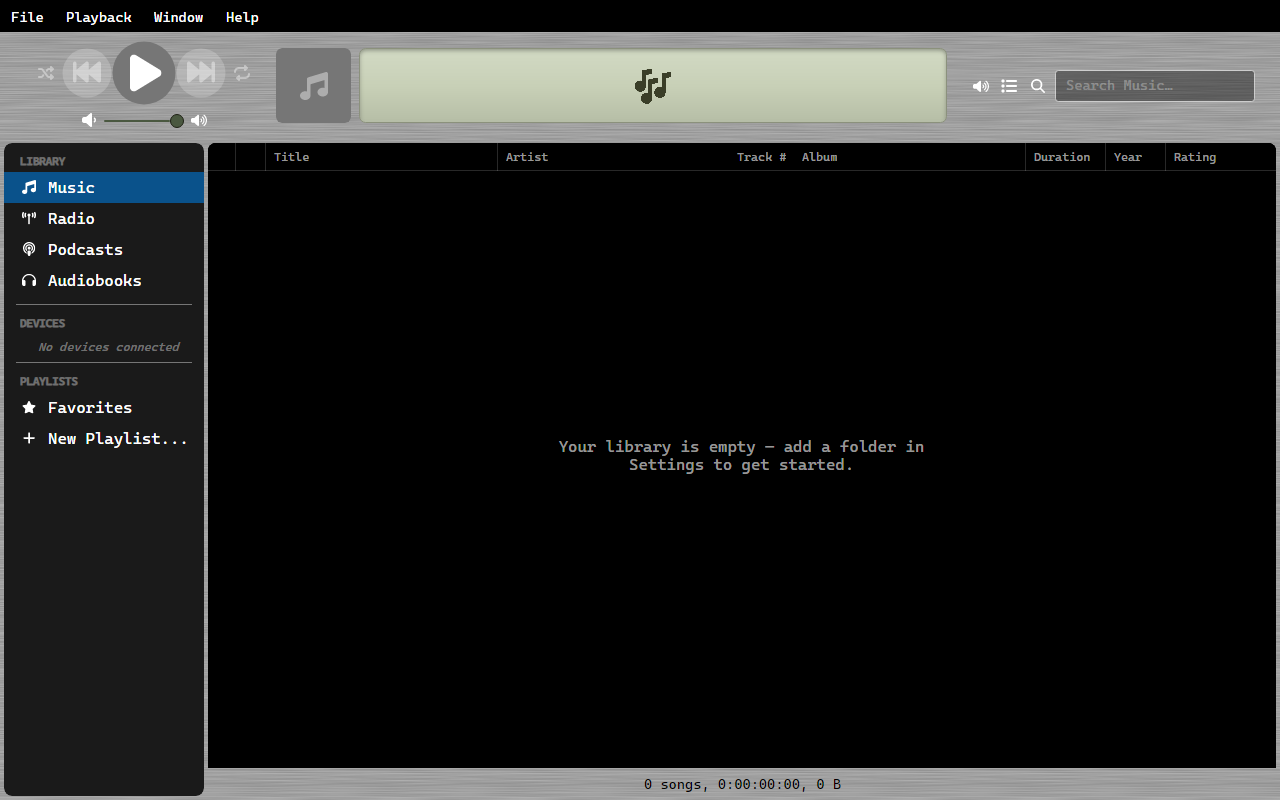
Selecting Your Music Folder
- A folder picker dialog will appear
- Navigate to the folder containing your music files
- Click Select Folder
OrgZ will scan the folder recursively for supported audio files (.mp3, .flac, .m4a, .aac, .ogg, .opus, .wav, .wma, .ape, and .m4b, which lands under Audiobooks) and extract metadata from each file.
Interface Overview
The main window is divided into:
- Top Bar: Playback controls, album art, track info, seek bar, and search
- Sidebar: Navigate between Music, Radio, Podcasts, Audiobooks, connected devices, shared libraries, and your playlists
- Content Area: The main list view showing your media
- Status Bar: Library statistics and sync status
What's Next
- Browse your Music Library
- Discover Radio Stations
- Learn the Keyboard Shortcuts