Radio Stations
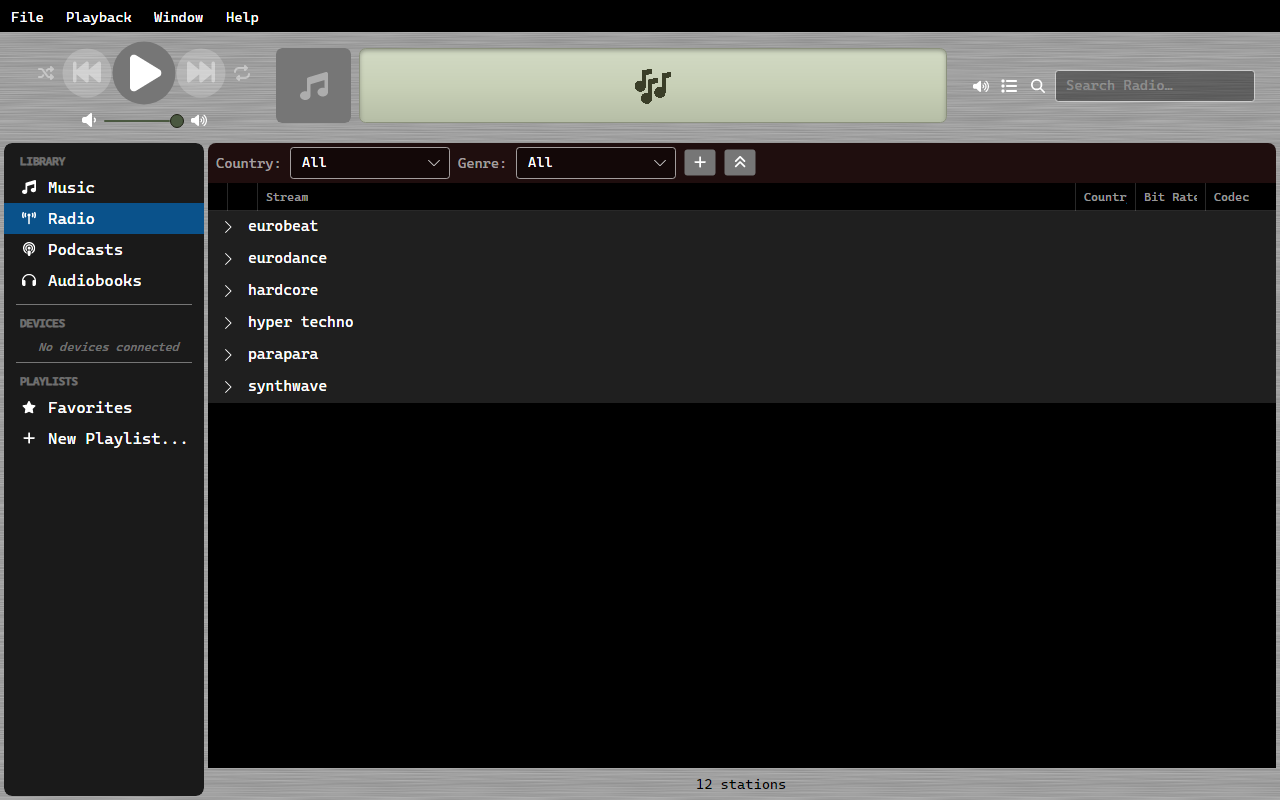
OrgZ ships with a curated catalogue of internet radio stations - around 700 streams across 43 countries - plus whatever you add yourself.
Where the stations come from
The catalogue is a file inside the app, hand-curated from the radio-browser.info directory. There is no live directory sync and nothing to download on first run: the list is there the moment you open Radio. It is refreshed when a new version of OrgZ ships.
Stations you add yourself are kept in your own library database, so they survive updates.
Getting started with radio
- Click Radio in the sidebar
- Use the Country and Genre dropdowns in the filter bar above the list to narrow it down
- Double-click a station to start streaming
Genre grouping
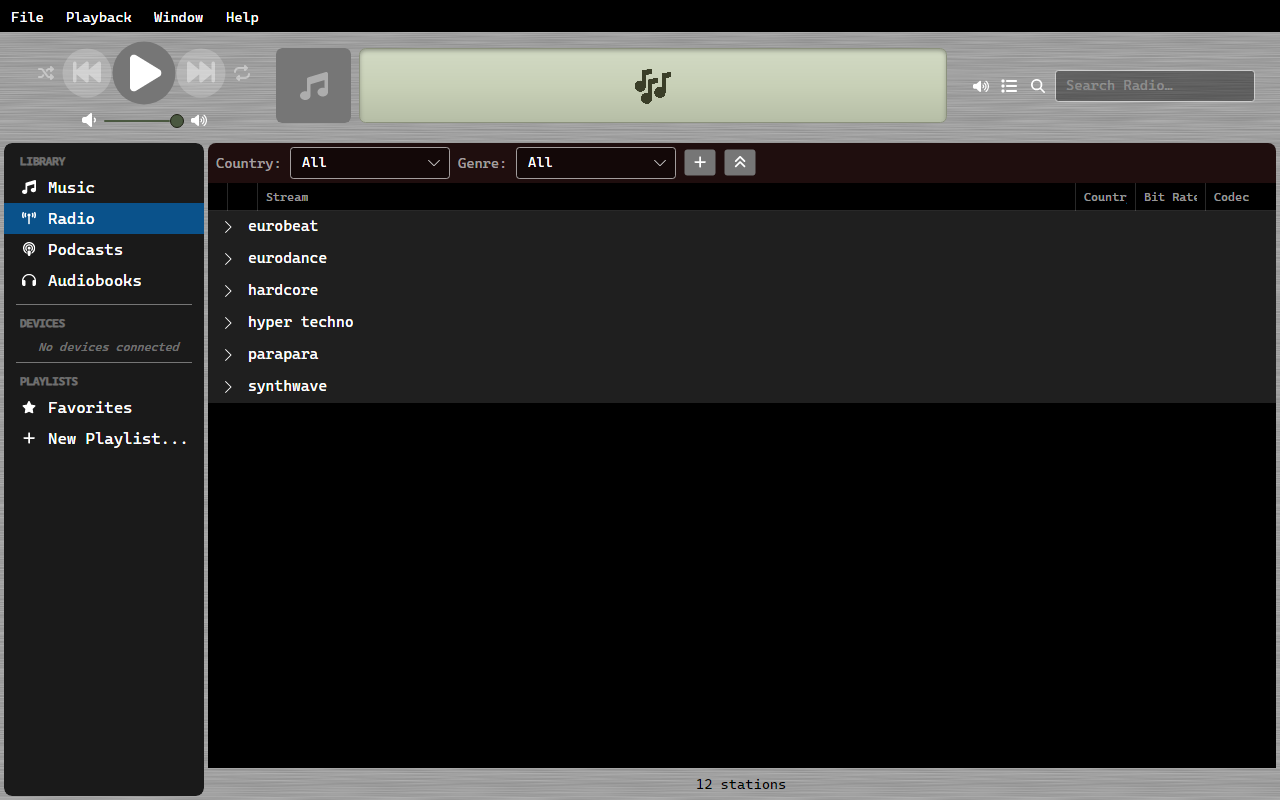
Stations are grouped by genre under collapsible headers. Click a header to collapse or expand that genre; the state is remembered per view, so switching away and back to Radio restores it. The collapse-all button in the filter bar collapses every genre at once.
Adding your own stations
Use the + button in the filter bar. The Add Radio Station dialog takes three things:
| Field | Notes |
|---|---|
| Station Name | Free text; what shows in the list. |
| Stream URL | Must be an http or https stream URL, or the dialog refuses it. |
| Genre | Picked from the same genre list the catalogue uses. |
Your stations sit alongside the bundled ones and can be removed again from the station's right-click menu (Remove Station).
Live Metadata
When streaming, OrgZ displays live ICY metadata (artist and title) as it arrives from the station.